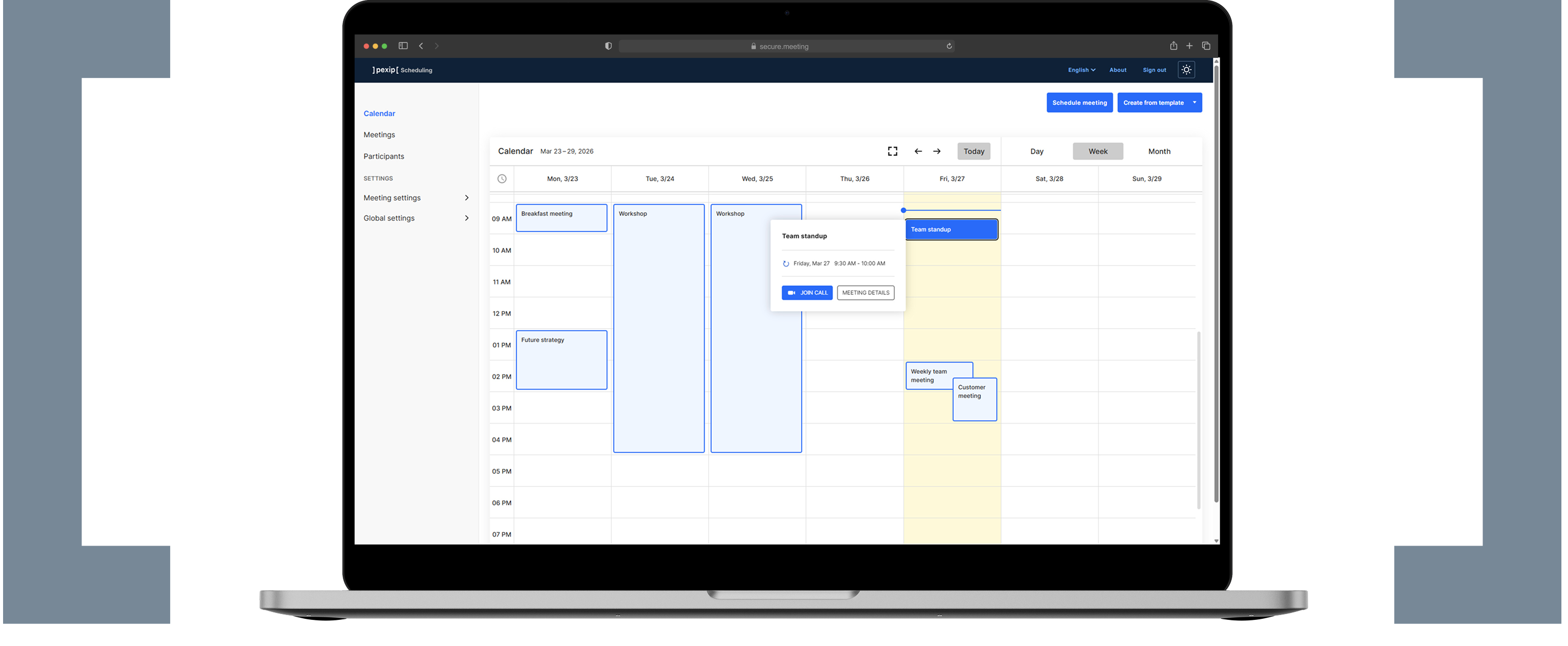
Pexip Secure Scheduler for Web
Web-based scheduling for your Pexip virtual meetings
Schedule secure meetings, send customized invitations, and manage your calendar - independent of your standard calendar environment.
Why Pexip Secure Scheduler for Web?
If you’re not using Microsoft Exchange, our Secure Scheduler for Web gives you a customizable and controlled way to schedule your Pexip secure meetings.
Ideal for:
- Government agencies and judicial institutions.
- Healthcare providers with privacy requirements.
- Other enterprises with strict data control, compliance or privacy needs.

Full control. Complete confidence.
Build the scheduling system that supports your workflows and meets your requirements for security and control.
Create secure meetings
- Onetime virtual meeting rooms (VMRs)
- Configurable host, guest, and PIN settings
- Specify the Identity Provider for SSO participant authentication
Manage roles & permissions
- Customizable role types
- Define Feature groups to dictate access to controls
- Set up Access groups that determine which meetings users can view or manage
Customize the look & feel
- Upload logo and background images to apply your branding
- Localize the user interface to support your meeting users
- Set the color schemes for both light and dark modes
Manage participants
- Create, edit, and delete meeting participants
- Choose if the participant should be authenticated by PIN or SSO
- Apply SCIM synchronization with Microsoft Entra ID (optional)
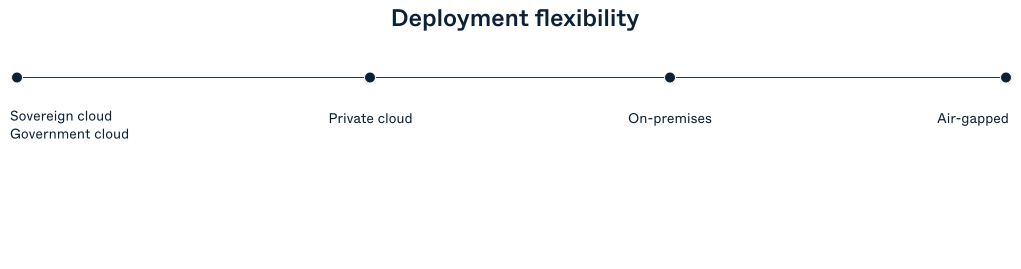
Seamless and sovereign
Designed to work with your existing self-hosted Pexip secure meeting environment.
Made for Infinity
Works like an external policy server, automatically generating single‑use secure VMRs using your existing Infinity deployment.
Sovereign data control
All meetings and media stay within your Pexip Infinity deployment, preserving strict data sovereignty.
Ready to simplify your scheduling workflow?
Experience secure, web‑based scheduling built for enterprise‑grade virtual meetings.
Frequently asked questions
How does Pexip Secure Scheduler for Web integrate with my existing Pexip Infinity deployment?
Secure Scheduler for Web is fully integrated with Infinity, where it operates as an external policy server, providing the meeting parameters that enable Infinity to generate a single-use VMR specifically for the meeting. All the call signaling and media is between the user and Infinity.
What types of meetings can I create with Secure Scheduler for Web?
You can create one‑time or recurring meetings. You can also create breakout rooms for your meetings with the option to control entry through waiting rooms.
Can I update or manage meetings I’ve already scheduled?
Yes. The Meetings view shows you all meetings you have access to view or edit based on permissions set by Access groups in the Global settings. You will see scheduled meetings, including meetings that have already finished and are able to edit or delete upcoming meetings.
Can external participants join meetings created in Secure Scheduler for Web?
Yes. It automatically generates join instructions for all supported connection types including SIP, H.323, and browser‑based WebRTC, all based on what your deployment allows.
What security controls can I configure when scheduling a meeting?
When scheduling a meeting, you identify the allowed participants and assign roles to them to control their permissions in the meeting. Each participant will be authenticated when joining either by secure PIN or SSO as defined when you created the participant.
How does Secure Scheduler for Web protect meeting credentials and access data?
PINs and meeting details are stored securely within the Secure Scheduler for Web and can be deployed without access to the internet to ensure that sensitive details remains under your organization’s operational control.
Does Secure Scheduler for Web require any additional services or open ports in my environment?
No. It relies on the same API endpoints already used by Pexip Infinity and does not introduce new external services. This supports organizations that prioritize controlled, self‑hosted, or restricted‑network deployments.